What Steddy does, from the call to the money.
One record for each job, booking to payment, then a report of what it made. For trade businesses running 2 to 25 vans.
Fifteen minutes: we walk you through one job, from the call to the money landing, then show you what it made.
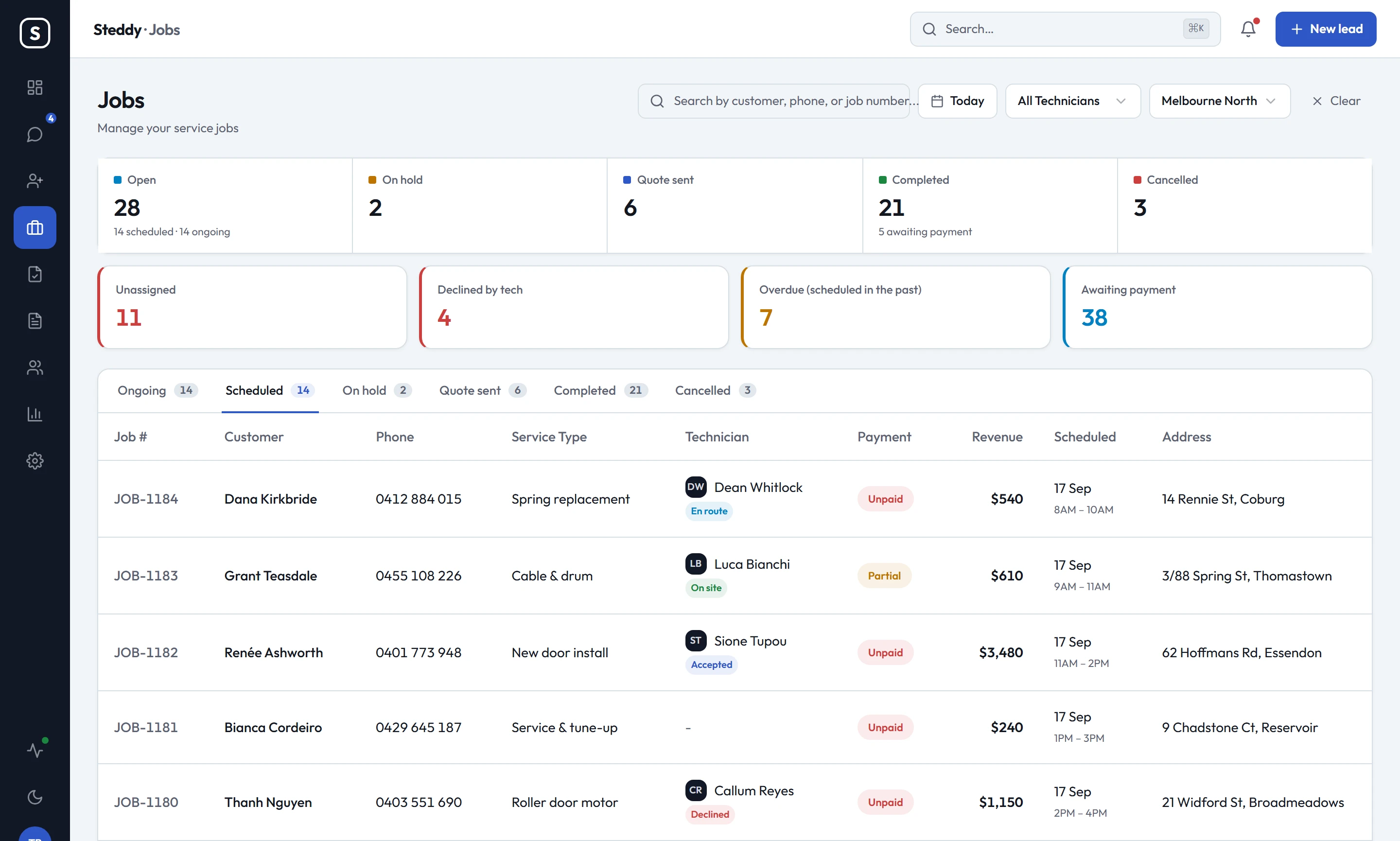
What's in it
- Job tracking
- Open a job and see where it stands, the activity log, photos from the tech, notes, parts, payments and where the customer came from.
- Scheduling
- Each job gets a date, a time window and a tech. The tech accepts it, taps On my way and Start, and the office sees each step.
- Invoices and payments
- Steddy writes the invoice from the job when it closes. The homeowner pays online through your own Square account, or pays on site and the tech records it.
- Quotes
- Send the quote on the driveway. The homeowner approves it on their phone before you leave: they draw a signature, type their name and tick the box for your terms. Techs can write quotes in the field too.
- Steddy Crew, the technician app
- Accept or decline the job, then tap On my way, Start and Finish. Get the customer's signature on the invoice and record a payment made on site.
- Reports
- Profit on every job after parts, tolls, Square card fees and the tech's commission. Revenue by suburb, lead source and tech. A profit and loss with your overheads in it.
- Customer portal
- Your customers see their jobs, quotes and invoices under your name and logo, and pay anything owing by card.
- Xero
- Invoices, payments and credit notes go across to Xero. A payment recorded in Xero comes back to the job. Included in every plan.